
Service catalog
What your clients can book, and who does what.
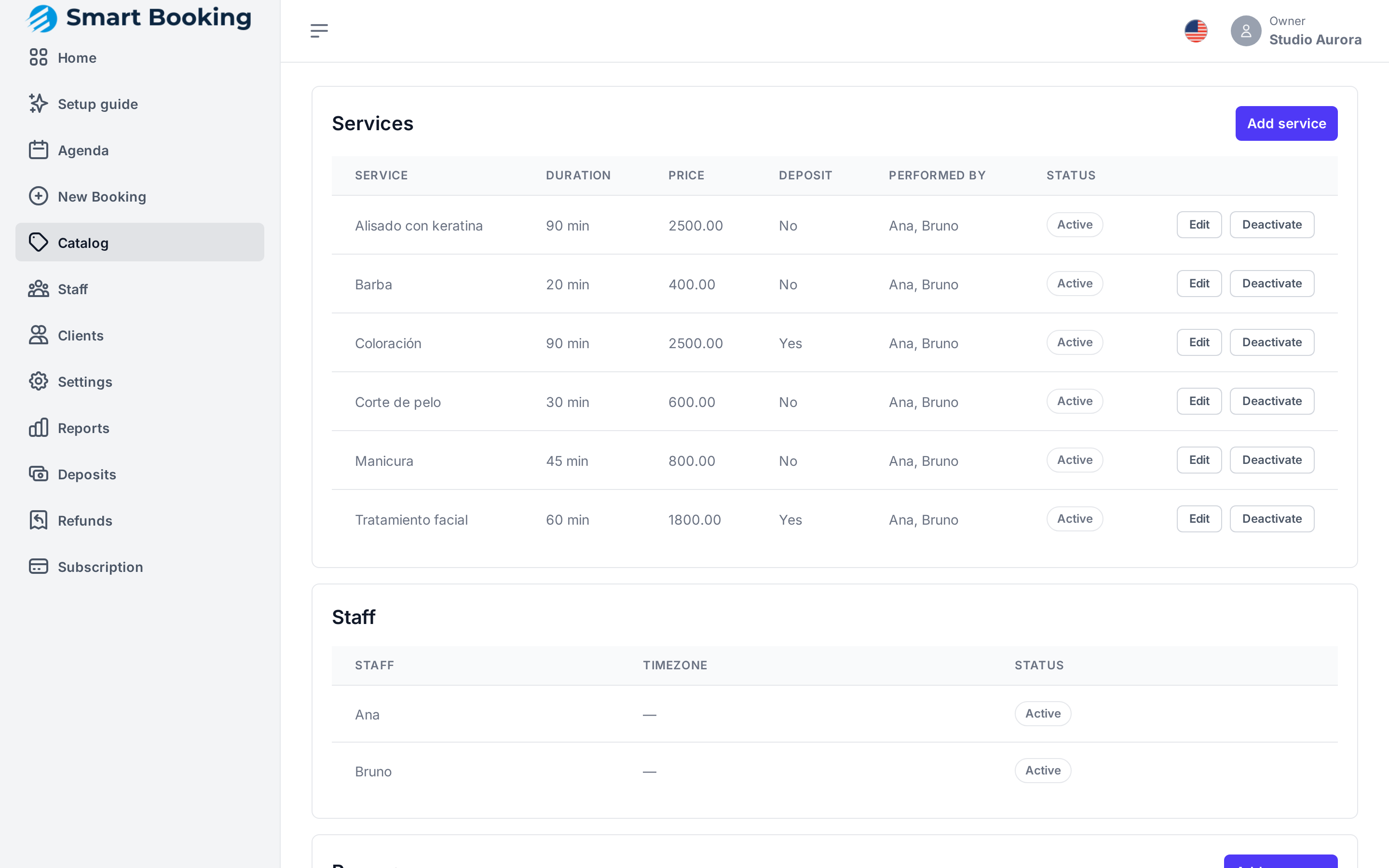
Adding or editing a service
Tap Add service, or Edit on an existing one:
| Field | What for |
|---|---|
| Name | What the client sees (e.g. Cut & style). |
| Description | Optional. Shown on your booking page. |
| Duration (min) | How long it blocks in the agenda. |
| Price | The list price. |
| Require a deposit to book | See below. |
| Active (bookable) | Untick it to stop offering the service without deleting it. |
| Performed by | Which staff members do this service. |
A service nobody performs can't be booked
If Performed by says Nobody yet, the service shows no times. Tick at least one person.
Deposits
Tick Require a deposit to book and choose the Deposit type:
- Percent (1–100) of the price, or
- Fixed amount.
To take deposits you need MercadoPago connected or bank details saved (Deposits and payments). Otherwise, services with a deposit can't be booked.
A different price or duration per person
If someone charges differently or takes longer, set that in Staff › Services, not here.
Resources (advanced)
Resources are things a service needs besides the professional: a chair, a wash station, a room. You only need them if you have fewer of those than professionals. Each has a Name (Chair 1) and a Kind (chair, wash_station, room). If you need a service to use a resource, email [email protected] and we'll set it up.
Plan limits
Each plan allows a number of services. When you reach it, you're told when creating a new one. See Subscription.