
Deposits and payments
A deposit makes the client commit, and it's the best tool against no-shows. It's set per service in the Catalog, and clients can pay it two ways.
Option 1: MercadoPago (online payment)
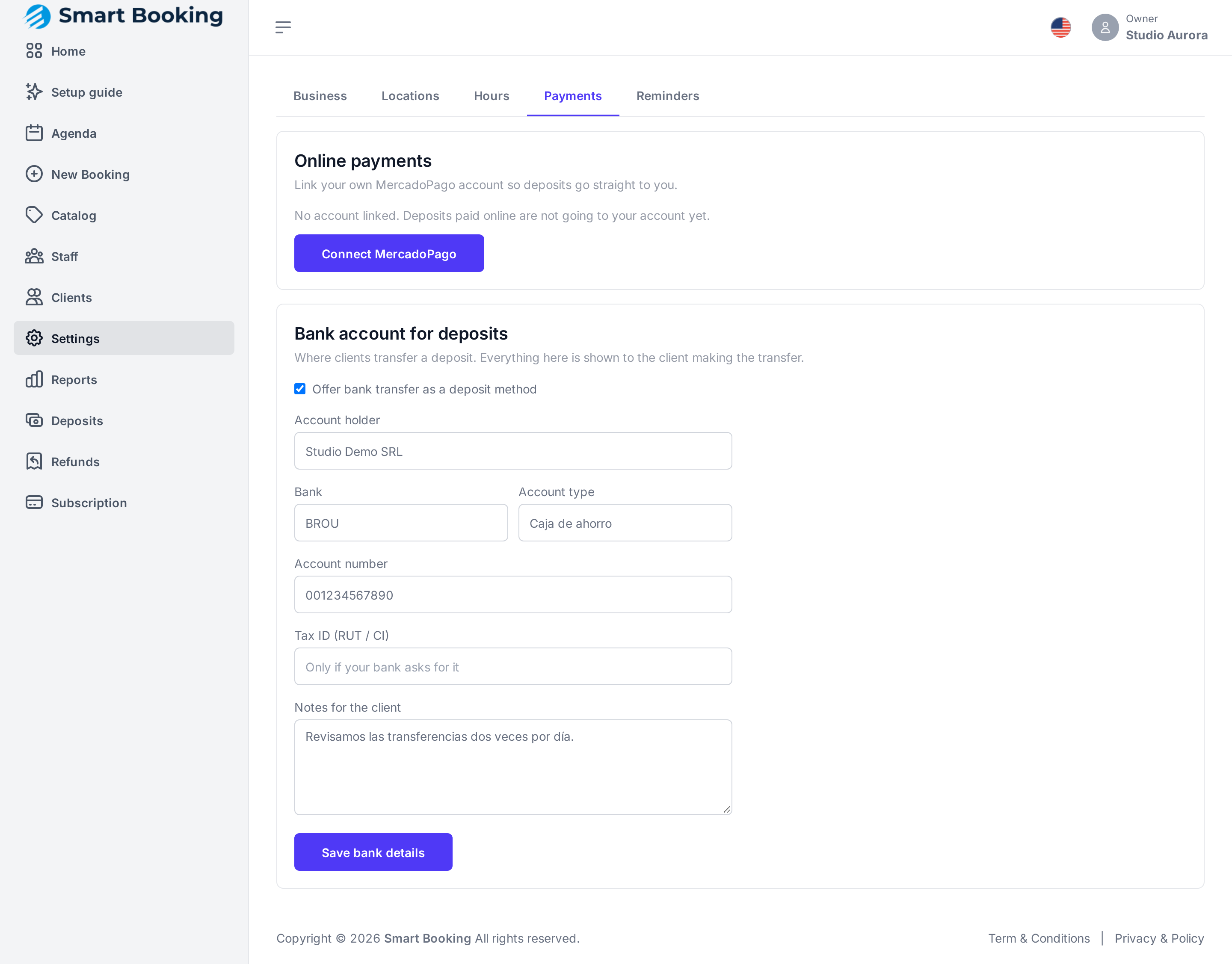
Settings › Payments › Online payments › Connect MercadoPago. It takes you to MercadoPago to authorize your account and brings you back. It shows as Connected, and deposits your clients pay go straight to your account.
- The client pays by card or with their MercadoPago account from the booking page.
- They have about 10 minutes to pay. Otherwise the slot is released.
- Once the payment clears, the appointment is confirmed automatically.
To stop using it, tap Disconnect.
Option 2: Bank transfer
Settings › Payments › Bank account for deposits.
- Tick Offer bank transfer as a deposit method.
- Fill in Account holder, Bank and Account number (required), and optionally Account type, Tax ID (RUT / CI) and Notes for the client.
- Tap Save bank details.
The client sees your details and a reference code to put in the transfer description. They can also upload a receipt. The appointment stays held for up to 48 hours.
To pause it without losing the details, untick the option.
Confirming a transfer
Transfers clients say they've made appear under Deposits (left menu) and as a notice on Home.
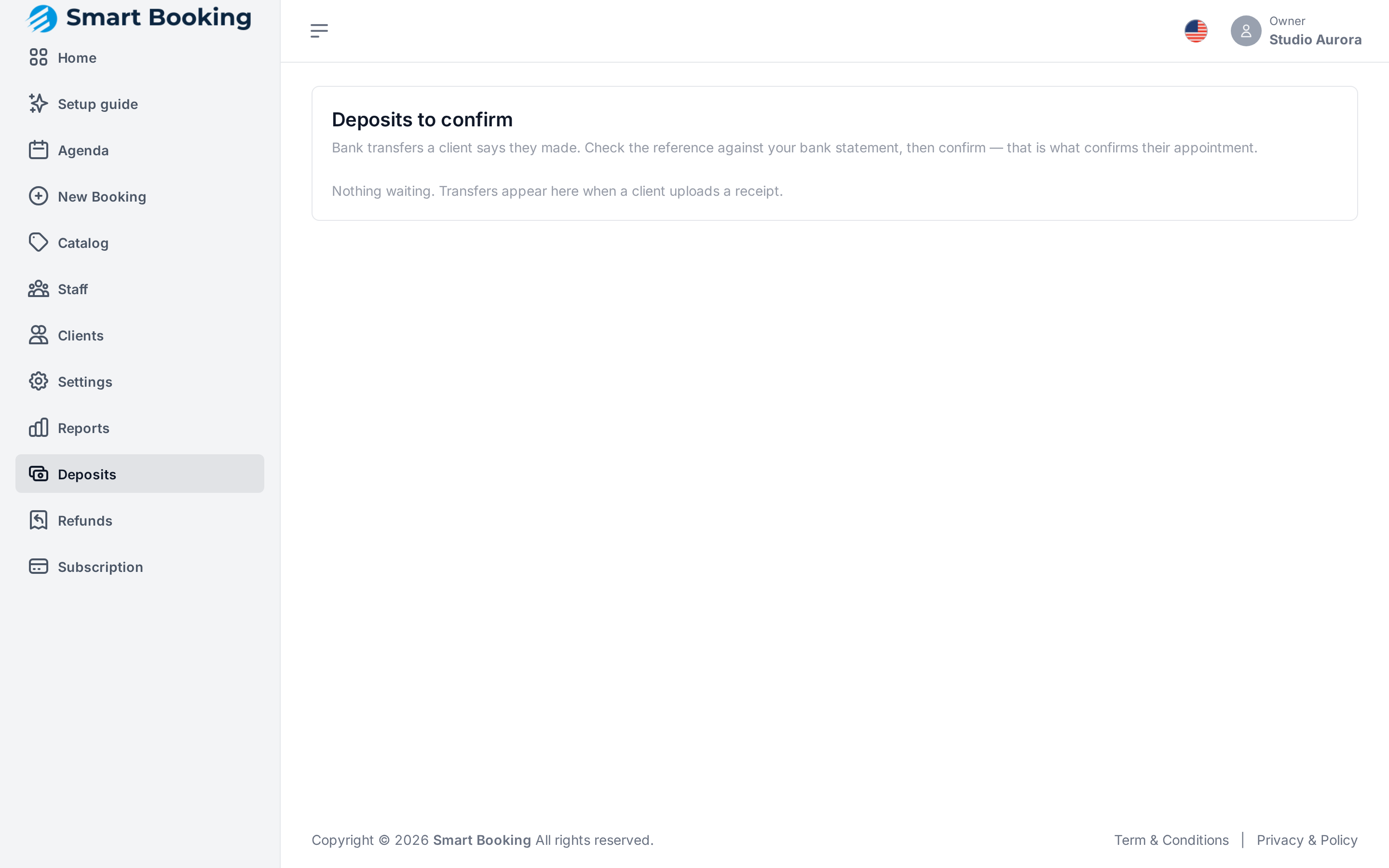
- Tap View receipt if they uploaded one. If not, look for the reference code on your bank statement.
- If the money is in, tap Money received. The appointment becomes confirmed.
- If you can't find it, tap Reject. The appointment stays held in case the money shows up later.
Approving late
If you approve a deposit after the booking had already expired, the slot may have been booked again. The money is recorded and shows up in Refunds so you can return it.
Deposit taken at the desk
If the client paid you in cash, open the appointment in the Agenda and tap Confirm.
Services with a deposit and no way to pay
If a service requires a deposit and you have neither MercadoPago connected nor bank transfer switched on, that service can't be booked. Set up at least one, or remove the deposit from the service.