
Create your account
Smart Booking has no passwords. Each time you sign in we email you a 6-digit code, and that code is the key. So sign up with an email address you read every day.
Register your business
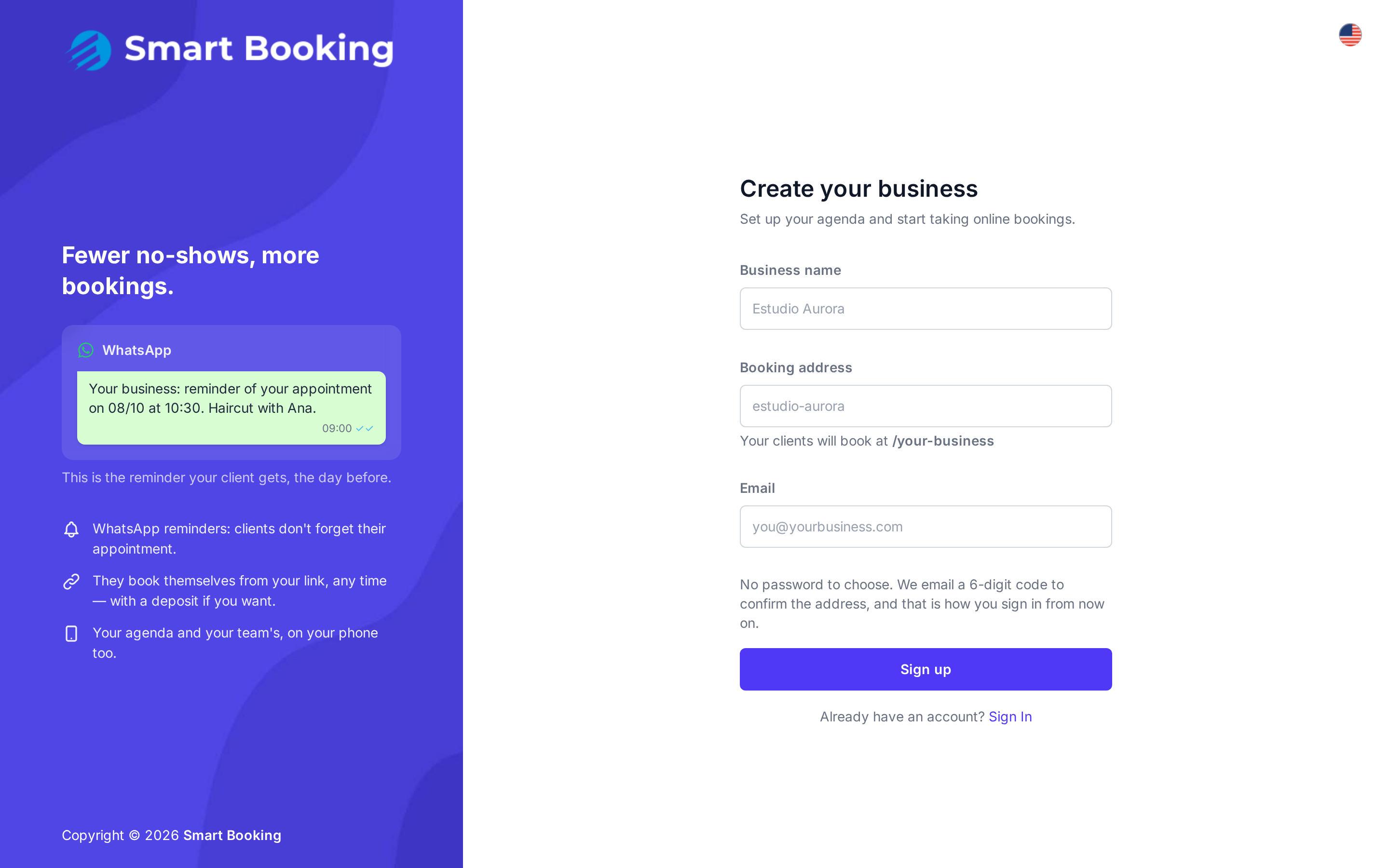
- Go to dashboard.sbooking.app/sign-up.
- Fill in:
- Business name: as your clients should see it (e.g. Studio Aurora).
- Booking address: the last part of your public link. Lowercase letters, numbers and hyphens only (e.g.
studio-aurora). The field shows what the link will look like. - Email: yours. It will be the only way into the account.
- Tap Sign up.
- Check your inbox and enter the 6-digit code under Verification code.
- Tap Verify and continue.
Double-check the email before you confirm
The email address is your account: there is no password and no "forgot password". If you mistype it, the code goes to someone else's inbox and you won't be able to get in.
The first time you sign in, the Setup guide opens. Continue with First-time setup.
Signing in next time
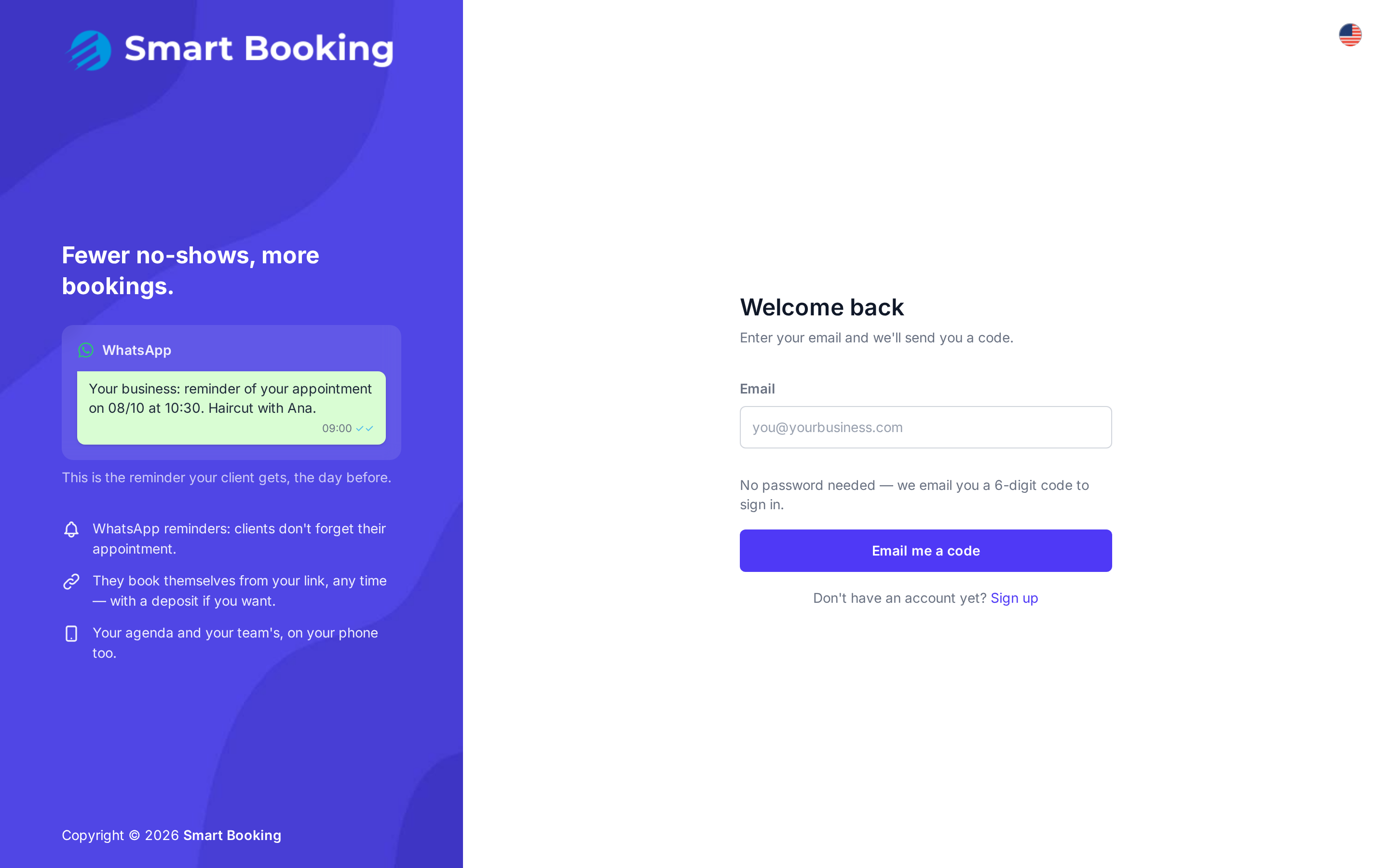
- Go to dashboard.sbooking.app.
- Enter your email and tap Email me a code.
- Enter the code you receive and tap Verify and continue.
About the code:
- It expires after 10 minutes.
- If you request a new one with Send a new code, the previous one stops working.
- After 5 wrong attempts the code is voided and you need a new one.
- For security, the screen looks the same even if the address isn't registered. If nothing arrives, see The code doesn't arrive.
How long does a session last?
If you use the dashboard regularly, it won't ask for a code again for weeks. It asks again after 14 days without use, or after 30 days at most. To sign out, tap your name at the top right and choose Sign out.