
Refunds
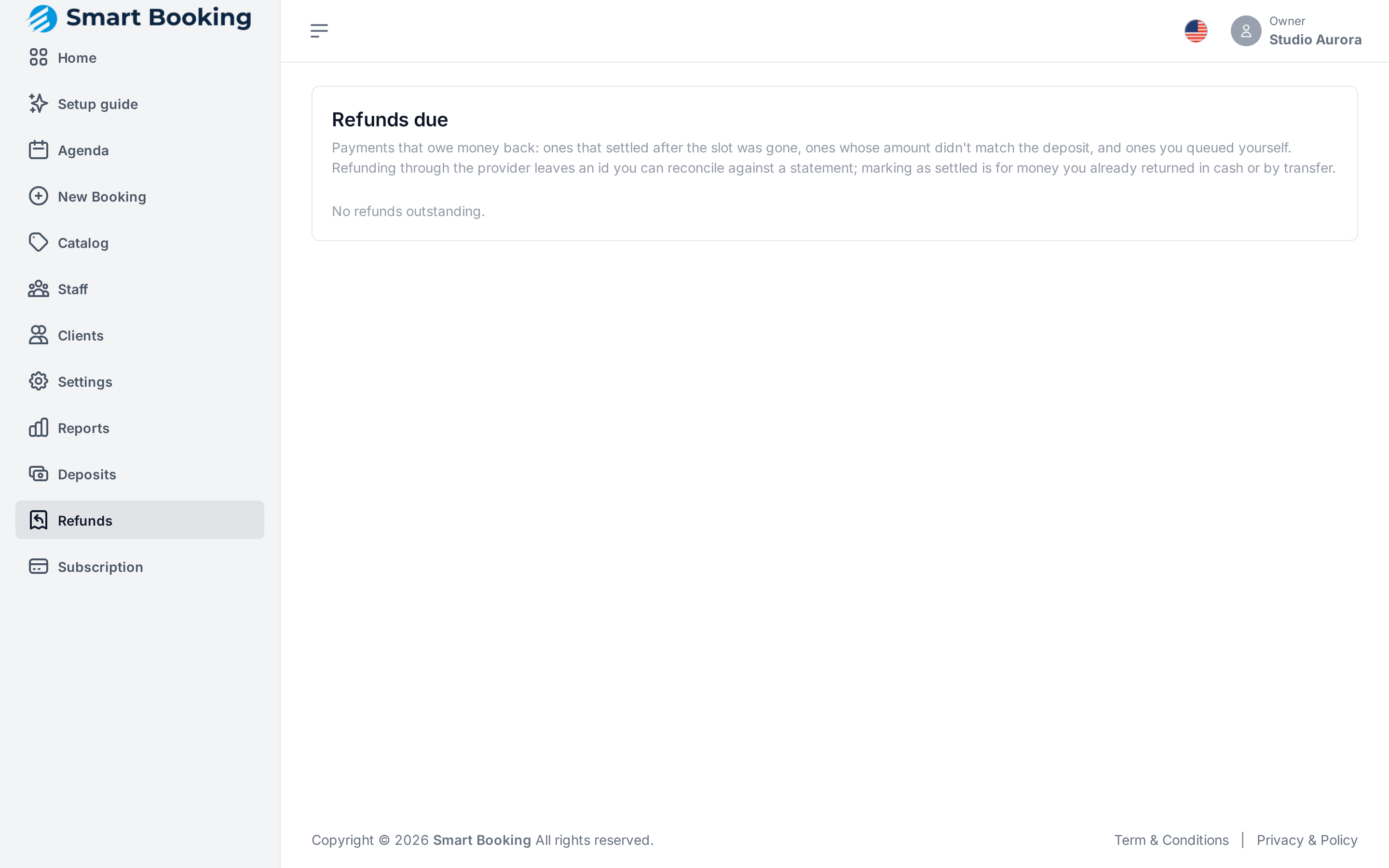
Refunds (left menu) lists payments you need to return:
- Payments that cleared when the appointment was gone (e.g. they paid late and the slot had been released).
- Payments whose amount doesn't match the deposit.
- Ones you flagged for refund yourself.
How to refund
Each payment has two options:
- Refund via provider: returns the money through MercadoPago and leaves a reconcilable record. The recommended way.
- Mark as settled: if you've already paid it back in cash or by transfer. You can add a note for your records.
If the payment has no provider reference (e.g. a bank transfer), it can only be marked as settled by hand.
It never refunds twice
If you tap Refund via provider twice, or the connection drops halfway, the refund happens only once.
What if a client cancels an appointment with a deposit?
When a client cancels from their link, they're told the business will contact them about the refund according to its policy. Whether you refund is up to your policy; we recommend writing it in the service description.