
Your photo
Clients see your photo when they choose who to book with on the business's booking page. A familiar face is what makes them pick you.
Adding or changing your photo
- On your agenda, tap the person icon at the top right (My profile).
- Tap Take or choose a photo. Your phone lets you take one now or pick one from your gallery.
- Done: you'll see Done: your photo now shows on the booking page.
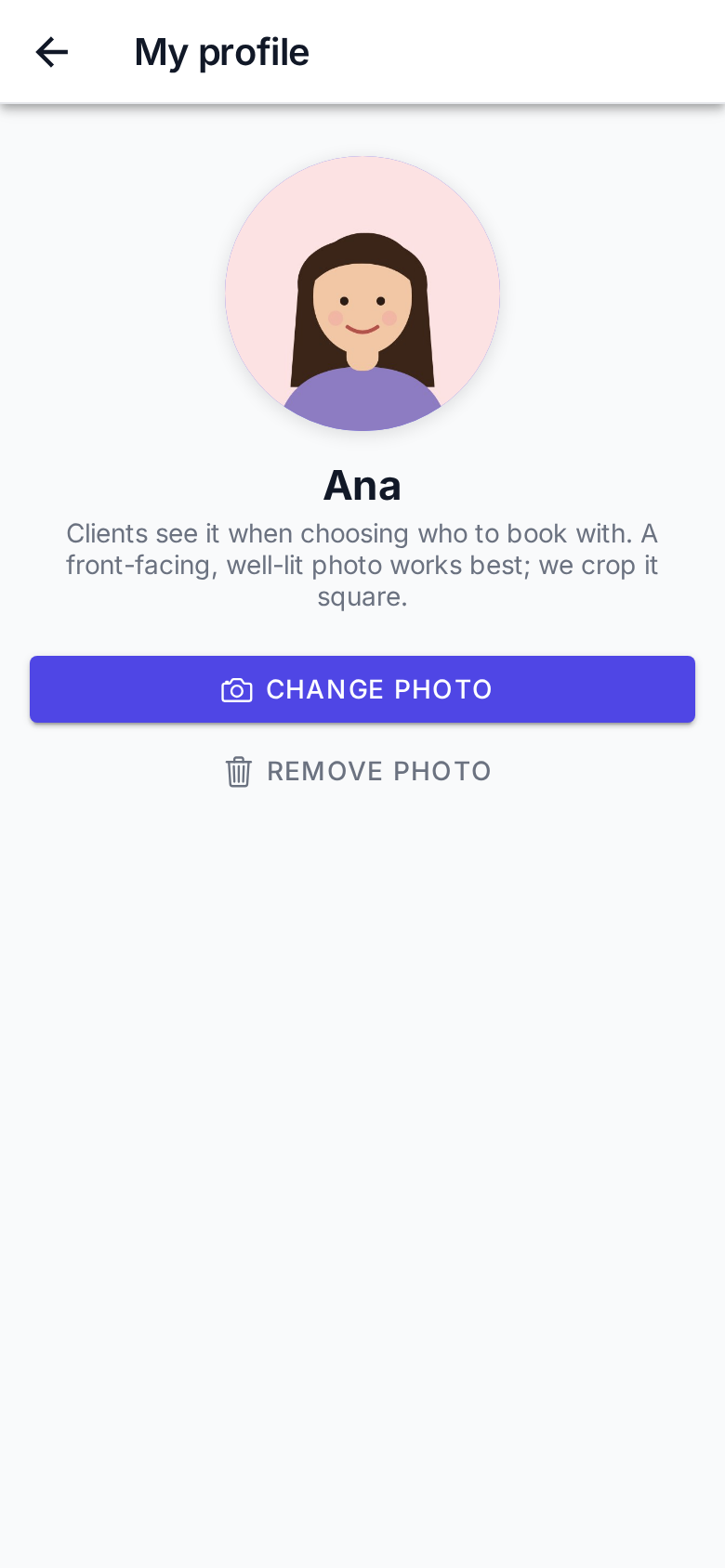
The photo is cropped square, centred slightly high so your face fits. There's no need to crop it first.
A good photo
Front-facing, well lit (window light beats flash), a plain background, and your face filling a good part of the picture. It's shown small, in a circle.
To change it, tap Change photo. To take it down, Remove photo: your initials are shown instead.
If you don't see My profile
The icon only appears when your login is linked to your row in Staff. If you see This login is not linked to a professional, ask the business owner to create your login from Staff (or to upload your photo there: Staff › Photo).