
My month
In the agenda, tap the wallet icon (top right) to see your month:
- Visits: your appointments that were charged.
- Services: what was charged for your services.
- Tips: all yours.
- Commission: what you earn at the percentage the salon set. If the salon chose not to show it, it does not appear.
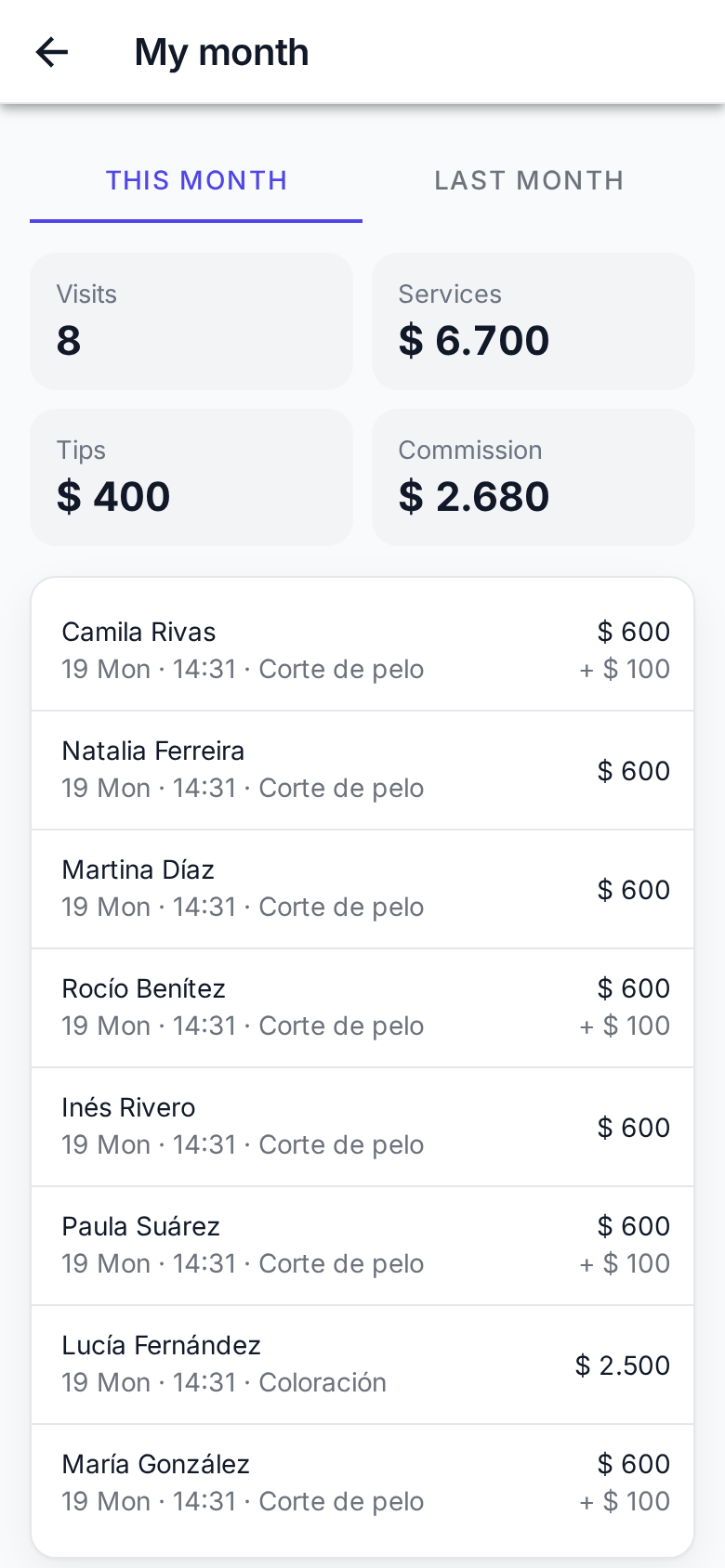
Below are the charges one by one, newest first. Pick Last month to see the previous one. Months are the salon's: what you charge in the early hours of the 1st already counts for the new month.
You only see your numbers, never your colleagues'.
Can't see the wallet?
It only shows when your login is linked to a professional. If you don't see it, ask the owner to link you in Staff.